
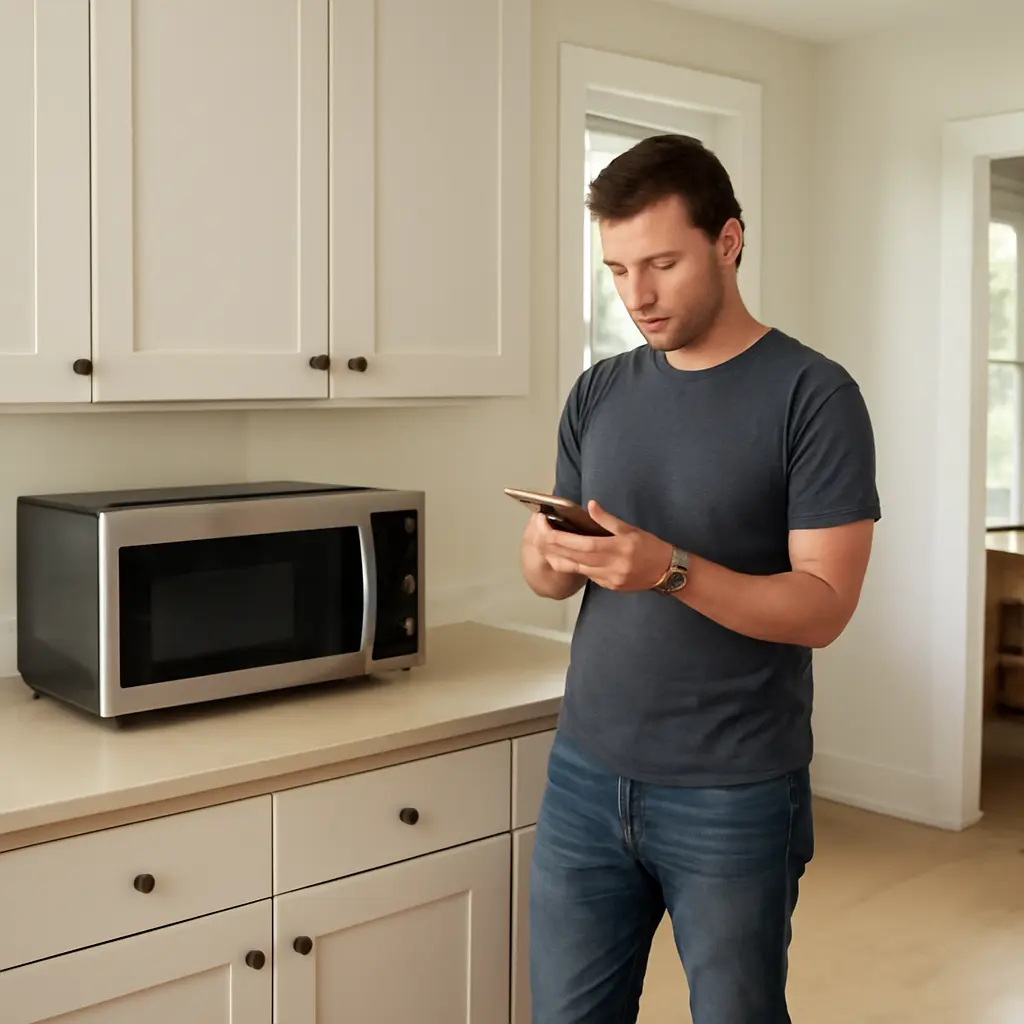
A microwave oven’s software can help control its display, cooking programs, and connected features, but a notification does not automatically mean the appliance needs an update—or that an update will improve cooking. Most conventional microwaves do not receive internet software updates at all. For a Wi-Fi-connected model, check the manufacturer’s official app or support guidance before acting: verify what the update changes, install it only through the approved process, and do not unplug or reset the appliance while an update is underway. This distinction matters as connected appliances become more common, while safety still depends on using a microwave in good condition and following its manual.
Microwave software updates and what the notification means
A software update is a manufacturer-issued change to the code or data used by an electronic device. The U.S. Cybersecurity and Infrastructure Security Agency (CISA) advises users to install software updates from trusted sources because they can address security vulnerabilities and other defects. Applied to microwaves, however, that advice is relevant only when the particular model has updateable software and an official update channel.
The phrase “microwave update notification” can describe different things: a genuine firmware alert in a companion app, a reminder to update the app itself, or a general notification that has nothing to do with the oven. It is not evidence by itself that a microwave is unsafe or that its cooking performance is impaired. Check the model number and the source of the alert before responding.
Firmware updates versus app updates
Firmware is software stored on the appliance that operates its hardware and built-in functions. An app update changes the smartphone application; it may improve the app even if the microwave’s firmware remains unchanged. Manufacturers’ product and support materials are the appropriate source for determining whether a specific model supports appliance firmware updates and how those updates are delivered.
This difference is useful when diagnosing an alert. If the phone’s app store reports an update, that is an app update. If the manufacturer’s appliance app identifies a firmware update for a named microwave model, it may be an appliance update. Avoid interpreting a generic phone pop-up, advertisement, or unsolicited message as an official instruction.
Why updates may matter on connected models
A connected microwave may use software for Wi-Fi features, remote controls, notifications, or integrations with other devices. Updates can, depending on the manufacturer and release, correct defects, improve compatibility, or address security issues. Those are possible purposes, not a guarantee that every update includes every improvement; read the release notes when available.
The broader security context is relevant but should not be overstated. CISA recommends keeping software current as one measure for reducing exposure to known vulnerabilities. That general guidance does not establish that a particular microwave has a vulnerability, nor does it mean that every microwave is internet-connected. Many countertop models have no network connection and no user-installable firmware updates.
How to respond to a microwave update notification
Start by establishing whether the alert is genuine and applicable to the appliance. The Federal Trade Commission (FTC) advises consumers to be wary of unexpected messages that ask for personal information or prompt them to click suspicious links. For a microwave, use the manufacturer’s official app, support site, or printed manual reached independently—not a link in an unsolicited text or email.
Verify the model and update source
Find the microwave’s model number on its rating label or in its manual, then compare it with the model shown in the manufacturer’s app or support instructions. Confirm that the notification names the appliance or describes an update process documented for that model. If the microwave has no network features, an alert claiming to update its firmware deserves particular scrutiny.
- Open the manufacturer’s app directly rather than following an unexpected message link.
- Check the appliance model and the update description against official support information.
- Do not provide payment details, passwords, or remote access to someone claiming to update the microwave.
- If the source or instructions are unclear, contact the manufacturer using contact details from its official documentation.
Prepare and follow the manufacturer’s instructions
Before starting a confirmed update, follow the model-specific directions. Depending on the appliance, the process may require a stable home network, a charged or available phone, and the microwave to remain powered. Do not assume that every model updates in the same way, and do not disconnect power or restart the appliance during installation unless the manufacturer explicitly directs you to do so.
If an update fails or the display behaves unexpectedly, consult the manual or official troubleshooting guidance rather than repeatedly interrupting the process. A persistent error, unusual heating behavior, damaged door, or other safety concern is a reason to stop using the appliance and seek qualified service—not to treat a software update as a repair.
Decide whether an update is optional or required
Manufacturers determine whether an update is optional, recommended, or necessary for a connected feature to continue working. Read the notice and release notes for the stated purpose, compatibility requirements, and any consequences of postponing it. If the alert provides no explanation, verify the information with the manufacturer before deciding.
An update notification should not be confused with a product recall. In the United States, consumers can check recall information through the Consumer Product Safety Commission (CPSC). A firmware update does not substitute for a recall remedy, and a recall notice should be handled according to the CPSC and manufacturer’s instructions.
Microwave safety is broader than software
Software is only one part of a connected appliance’s operation. For ordinary microwave safety, the U.S. Food and Drug Administration (FDA) advises consumers to use ovens according to their instructions, avoid operating a unit with a damaged door or seals, and use microwave-safe cookware. These precautions apply whether or not a model can connect to the internet.
Inspect the appliance and use it as directed
A microwave’s door, hinges, latches, and sealing surfaces should be in good condition. The FDA explains that microwave ovens are designed to contain microwave energy, and that damage or improper operation can affect safety. Do not use an oven with a door that does not close securely or with visible damage around the door or seals; have it checked by qualified service personnel.
Use cookware labeled microwave-safe and follow the appliance manual for heating instructions. An update cannot make unsuitable containers safe, correct physical damage, or replace careful handling of hot food and liquids. If the oven sparks, produces unusual odors, or functions abnormally, stop and consult the manual or a service professional.
Separate security guidance from health claims
Security recommendations and radiation-safety information address different issues. CISA’s advice to update software concerns digital security and device reliability; the FDA’s microwave guidance concerns appliance design, operation, and exposure. A software alert is not, on its own, evidence of radiation leakage or a health hazard.
Likewise, the absence of an update notification does not prove that an appliance is defective or insecure. Whether a model receives updates depends on its design and manufacturer support. Owners of non-connected microwaves should focus on the manual, appliance condition, and any official safety notices rather than searching for an update that the model does not support.
A practical checklist for owners
Use this short checklist when a microwave-related update alert appears:
- Identify the microwave model and confirm that it supports software or firmware updates.
- Open the manufacturer’s official app or support channel directly and verify the alert.
- Read the update description and follow the model-specific installation instructions.
- Keep the appliance powered as instructed and avoid interrupting an installation.
- For suspicious messages, failed updates, unusual operation, or possible recalls, contact the manufacturer or the appropriate official agency.
- Continue following basic safety practices, including inspecting the door and using suitable cookware.
Conclusion: Respond thoughtfully, not automatically
Microwave software updates are relevant mainly to models with connected, updateable features. A genuine manufacturer update may improve compatibility, address a defect, or help protect connected functions, but a notification alone does not prove that an update is available or urgent. Verify the source, confirm the model, and follow official instructions. At the same time, remember that software cannot replace physical inspection, safe use, or recall guidance. Check your microwave’s manual and manufacturer support information, and treat unexpected update messages with care.
Sources: Cybersecurity and Infrastructure Security Agency, Secure Our World: Update Software, https://www.cisa.gov/secure-our-world/update-software; Federal Trade Commission, How To Recognize and Avoid Phishing Scams, https://consumer.ftc.gov/articles/how-recognize-and-avoid-phishing-scams; U.S. Food and Drug Administration, Microwave Oven Radiation, https://www.fda.gov/radiation-emitting-products/home-business-and-entertainment-products/microwave-oven-radiation; U.S. Consumer Product Safety Commission, Recalls, https://www.cpsc.gov/Recalls